Performance labels
Turn product performance into smarter campaign segmentation.
- Find your top-performing products.
- Group them for Shopping & PMax.
- Filter out underperformers.
 4.7 (340+ ratings)
 4.8 (279+ ratings)
 4.7 (131+ ratings)
18,497+ brands worldwide trust DataFeedWatch to drive performance








Why performance labels
Make smarter product decisions, faster.
Evaluate and group products using Google Ads performance data, right inside DataFeedWatch. No separate tools or extra add-ons required.
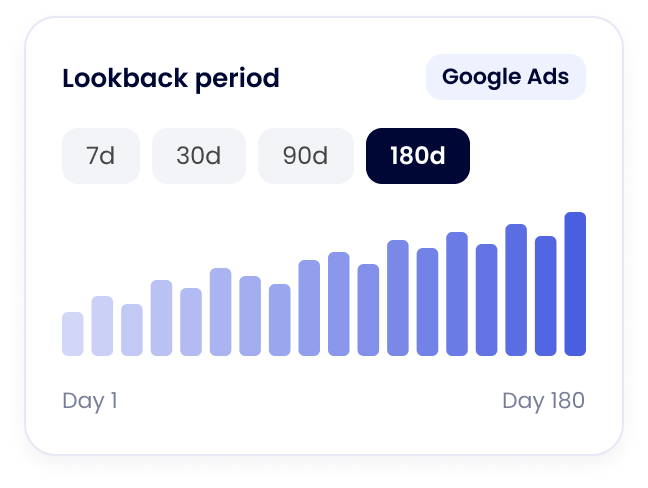
Spot recent shifts and longer-term trends.
Go beyond usual lookback limits with 1-180 days of performance data.
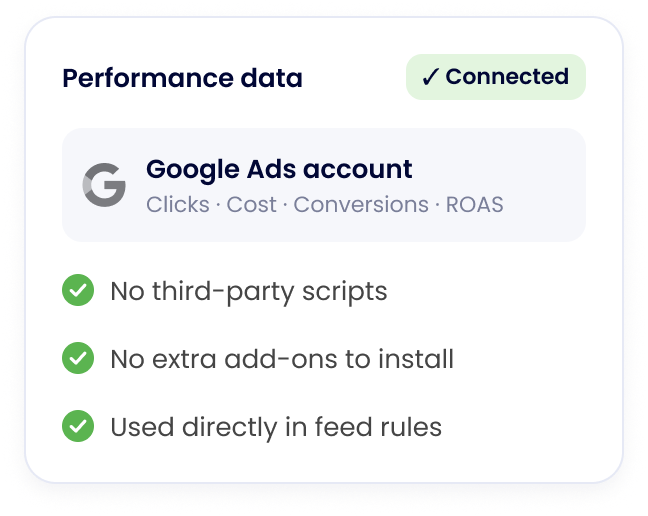
Spend less time managing tools.
No third-party tools or workarounds needed. Use performance data to guide advertising strategies.
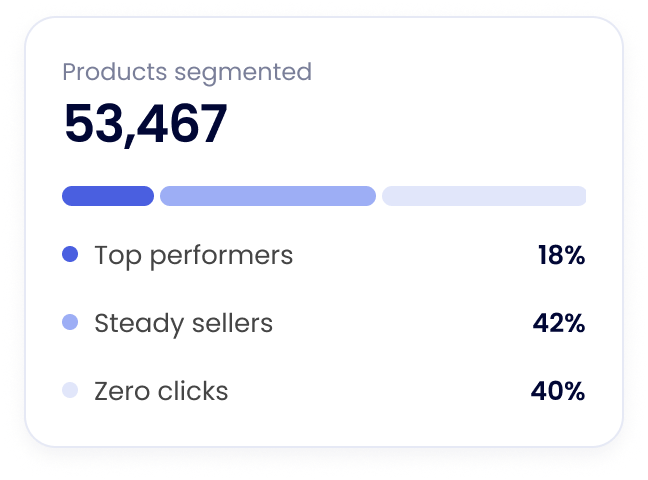
For catalogs of all sizes.
Group thousands of products by your chosen performance criteria, without relying on scripts.
Keep your product feed in step with performance.
Use performance to group products, decide what gets advertised, and find what needs work.
Performance labels
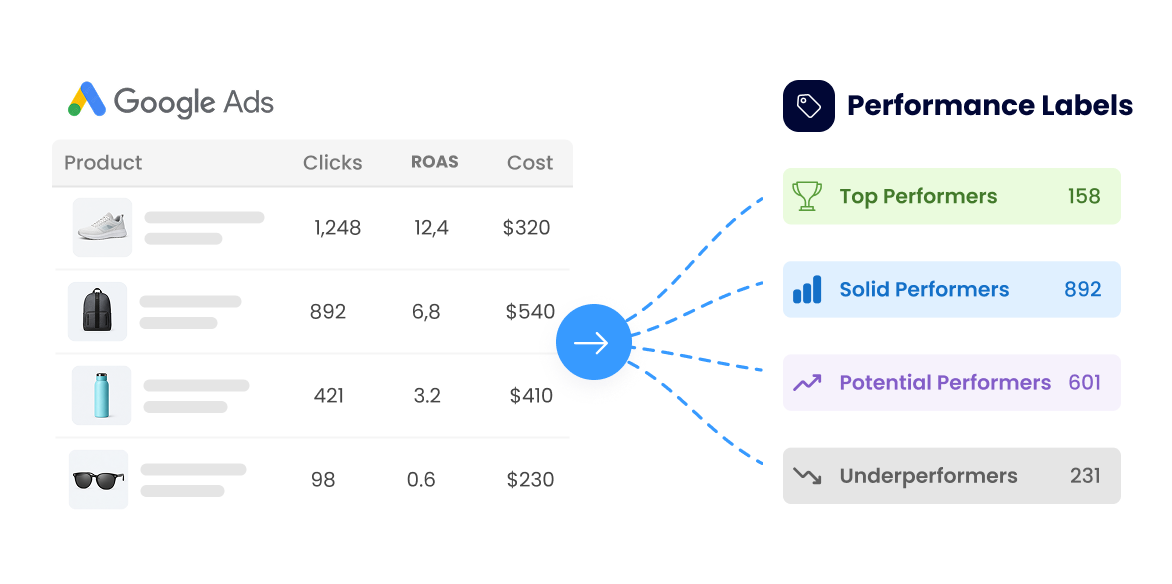
Group products by how they perform.
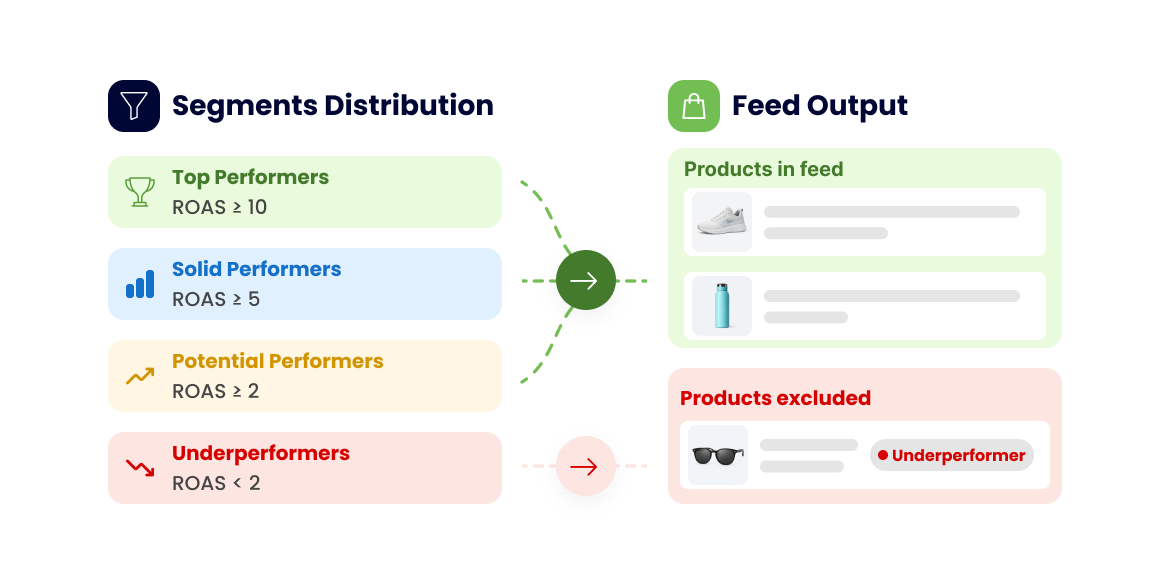
Spot your top performers and underperformers, then group them your way. Turn those groups into custom labels for smarter Shopping and PMax campaigns.
Feed rules
Keep underperformers out of your feed automatically.
Let performance-based feed rules handle which products make the cut, without constant manual updates.
Feed optimization
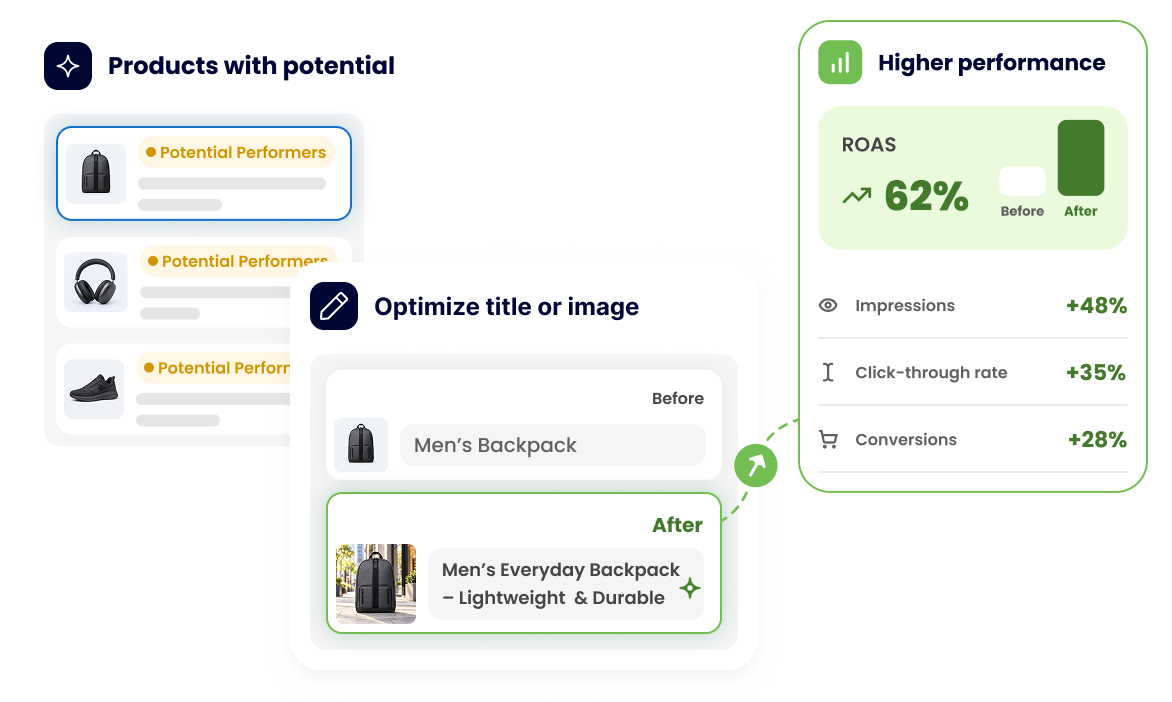
Know where to focus your feed optimization.
Spot products that aren’t delivering. See what could be improved. Test changes to titles, images, or other product attributes.
Real human support
And when you need a hand, we’ve got you.
We’ve spent 12 years learning what makes product feeds work for advertising.

<1 minuteexpect a reply.

Freesetup sessions.

18 hrs/daysupport availability.
Customer voice
The easy part? Ask our customers.

My experience has been great. I run an agency with dozens of feeds and DFW has helped a lot.
Pros: It makes sending high-quality feeds to Google very easy, and the customer service is super fast. I just had a great experience working with Tetiana recovering one of my feeds.
Nick M.Director of Operations
- Easy
- Agency

Data Feed Watch is super easy to use and really helps keep my shopping feeds organized and running smoothly!
Pink LaboratoryHong Kong SAR
- Easy
We’ve been using the app for years. Easy, flexible, and very powerful. Perfect for customizing and enriching product feed data.
Bauzaar.itItaly
- Easy
- Power

Works incredible as our feed management software in both formatting & error resolutions. The platform does a great job of providing the fields needed based on the channel selected and gives great options for reformatting text to the accepted/desired output. Performs exactly as needed and is cost effective especially as clientele grows. Support is proactive and very responsive, as well as can do the work for you if needed.
Garrett D.Digital Marketing Coordinator
- Power
- Support
Powerful feed apps can have a steep learning curve, but DataFeedWatch has for us been intuitive to use even for marketers with limited technical understanding. Their team has also been responsive and very helpful whenever there’s been an issue or we’ve had questions.
XOUXOU EUGermany
- Easy
- Power
Fantastic, easy to use, great support and good help center.
Pros: Probably the easiest data feed system to use. Fantastic User experience and good support when you need assistance.
Cons: After using other feed providers, I can’t really think of any major cons.
Switched from: GoDataFeed. It’s a lot easier to use than GoDataFeed was.
Joshua G.Performance Marketing Manager
- Easy
- Competitive advantage
We have really pushed this app to the max to test its capabilities and it now an important part of our workflow on a daily basis. Any problems we have had were all errors with setup on our part. The support team have been extremely helpful in fixing and explaining the issue so we understand the platform more.
Heinrich DinkelackerGermany
- Easy
- Longevity
A very positive experience, would love to have it with all my clients! Shopify & DFW is GREAT.
Pros: The fact that it’s fairly easy to customize (no need for slow and costly developers) and there are a lot of ways to optimize a feed to a Ferrari level.
Henrika A.eCommerce Consultant, Paid Social Lead
- Power
- Autonomy
I use DataFeedWatch for XML feed administration, and I love that it allows us to provide our main feed and then customize each output feed for every platform we use, like Google Shopping, Priceshape, and others. What really stands out is that it’s very user-friendly, and there are a lot of guides available on how to do certain things. The customer support works awesome as well. The most valuable feature for me is the possibility to customize every field, allowing me to combine, calculate, and extract the exact value I need for a new field easily. It has eliminated the high expense we would incur if we had to build customized feeds internally.
Mark Birk A.Small-Business
- Power
- Easy