
You don’t have to cancel your subscription just to take a break. If you’re not planning to use it for a while, consider pausing your plan instead.
To learn more, check out the guide: How to pause your plan instead of canceling your subscription.
To cancel your DataFeedWatch subscription, follow the steps below:
- Log in to your DataFeedWatch account.
- In the side navigation menu, click Account Settings.
- Go to the Plans.
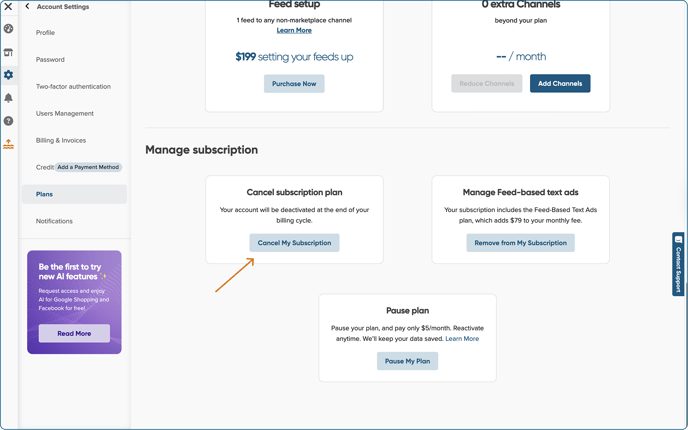
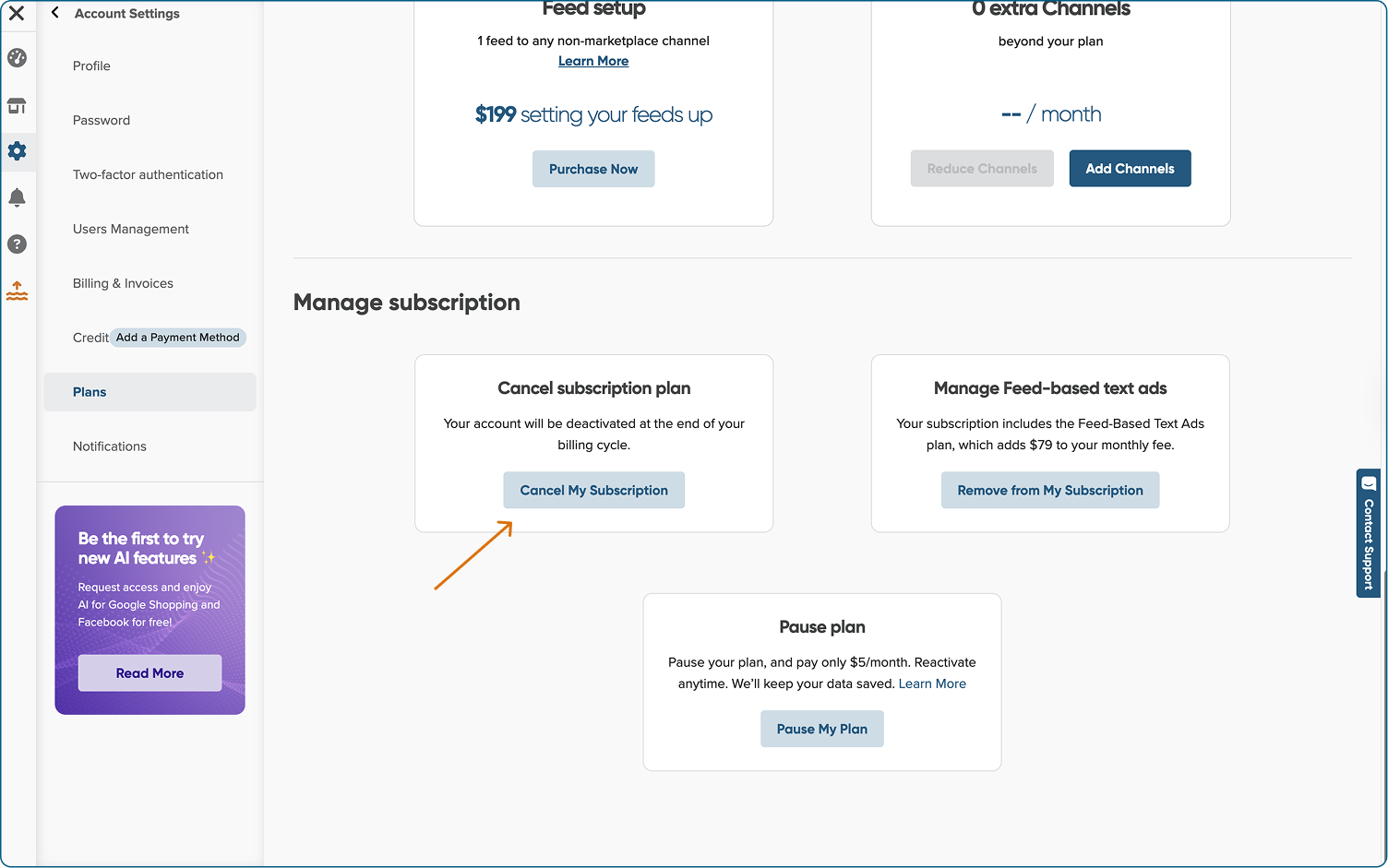
- Scroll down to Manage Subscription
- Locate the tile labeled Cancel Subscription Plan, then click Cancel My Subscription.
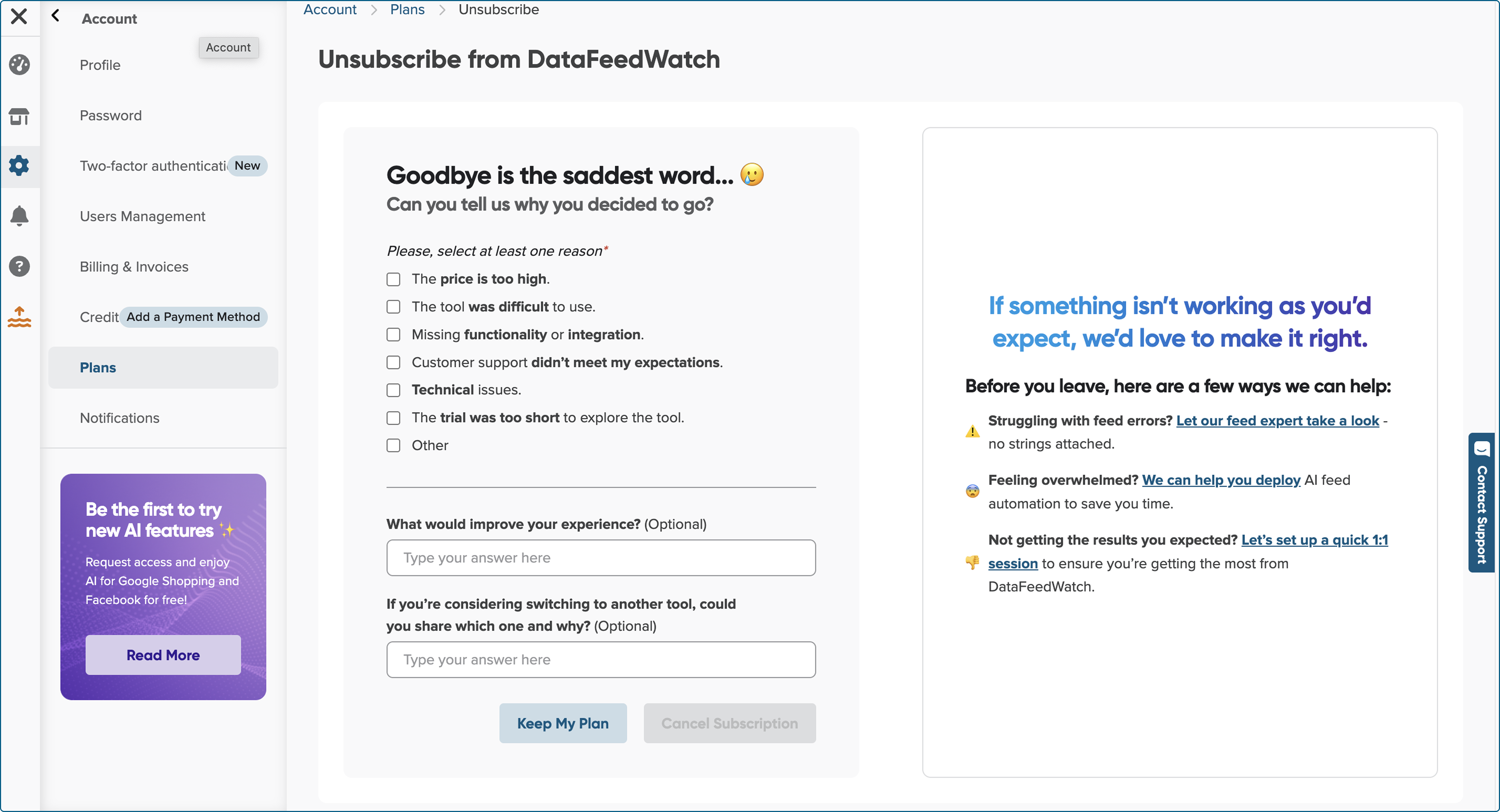
6. Before completing the cancellation, please select a reason for ending your subscription.
We appreciate any feedback you share with us. It’s essential for improvement. 💙
6. Your subscription has been canceled.
Once you cancel your subscription:
- If you signed up through DataFeedWatch, you'll be able to use our app until the end of your billing cycle. After the billing cycle ends, you will not be charged for the next billing period, and you will lose access to the app’s functionalities.
- If you signed up through the Shopify platform, you will lose access to the app's functionalities immediately. All payment-related matters are managed by Shopify.