
To map your feed for a channel
-
On the "Add Channel" page, choose the country
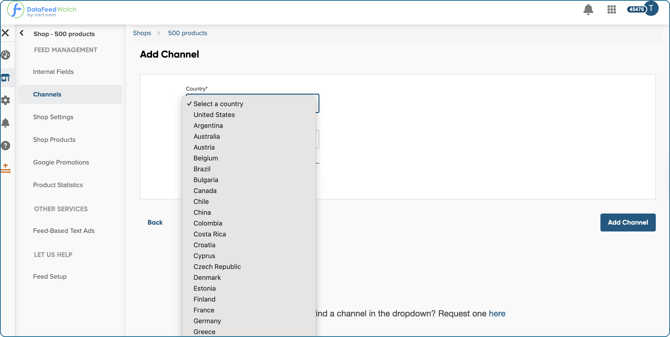
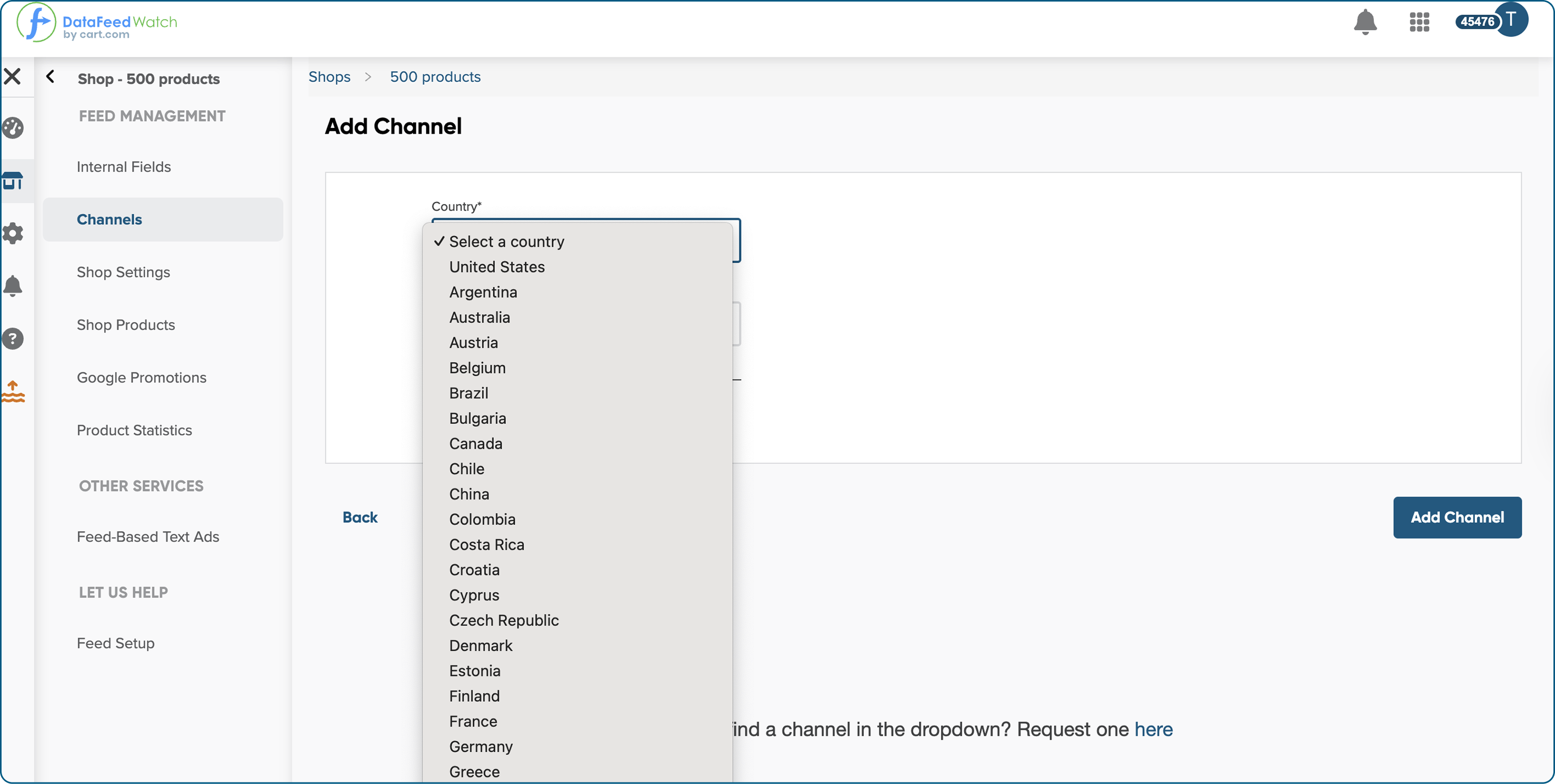
2. And the channel where you want to promote your products.
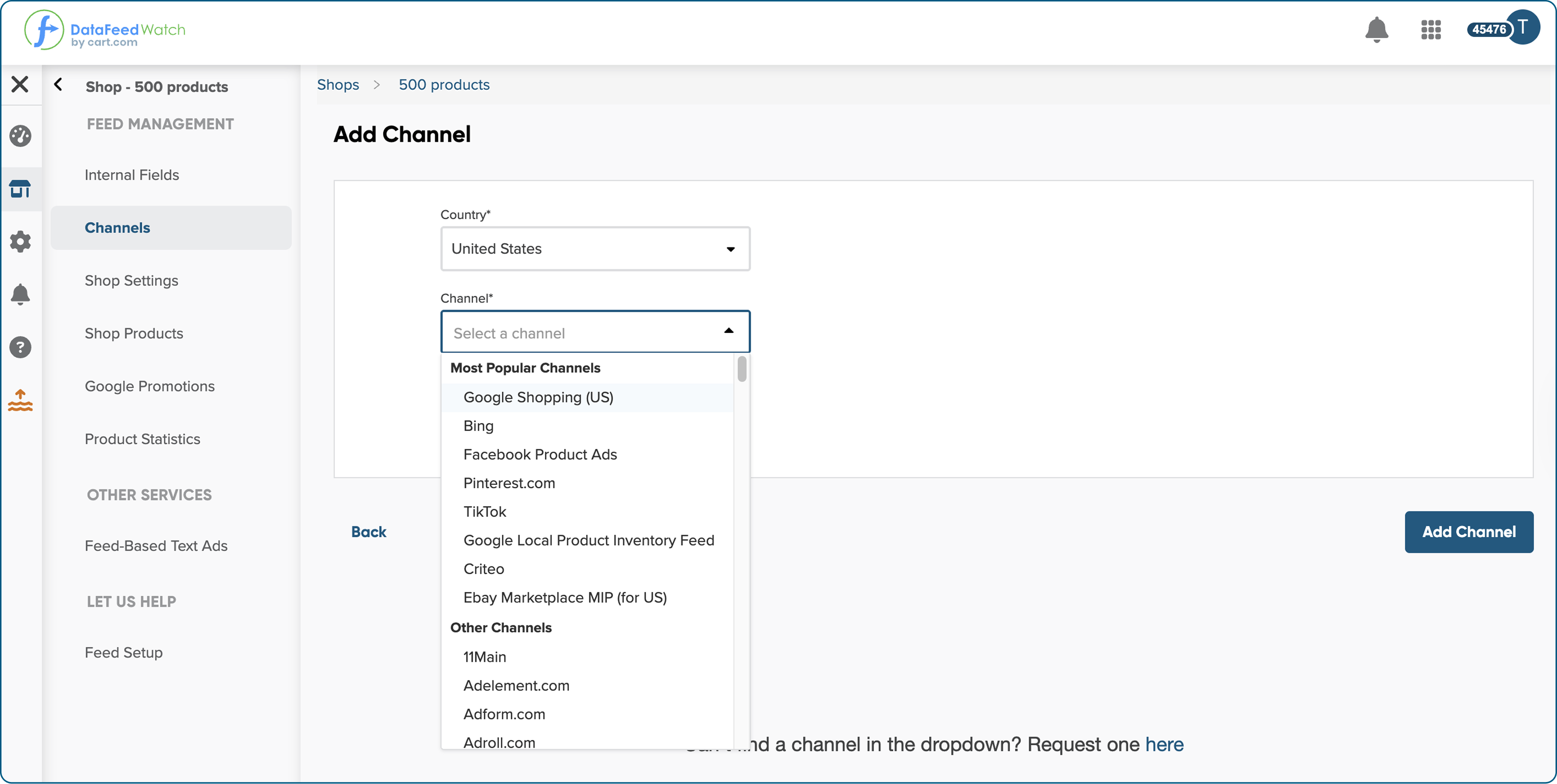 * You can request a custom channel if you can't find the channel you wish.
3. Then, click Add Channel.
4. On the "Map Fields" page, you'll adjust the data from your shop or imported file to match the channel's required attributes.
Each channel has its own formatting rules, and while many attributes are similar, there are differences, so it’s important to review them carefully.
-
Required fields must be mapped. You won’t be able to move forward without them, as they’re essential for your products to be approved by the channel.
-
Optional fields are not mandatory, but setting them up can improve your campaign performance and support optimization.
4. Start mapping the fields. To map channel attributes, you need to know what data you want to use and how.
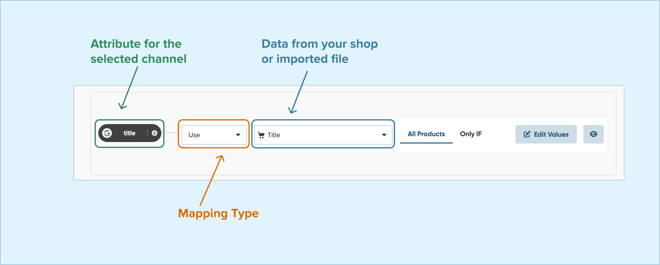
5. On the left, you can see the attribute for the selected channel.
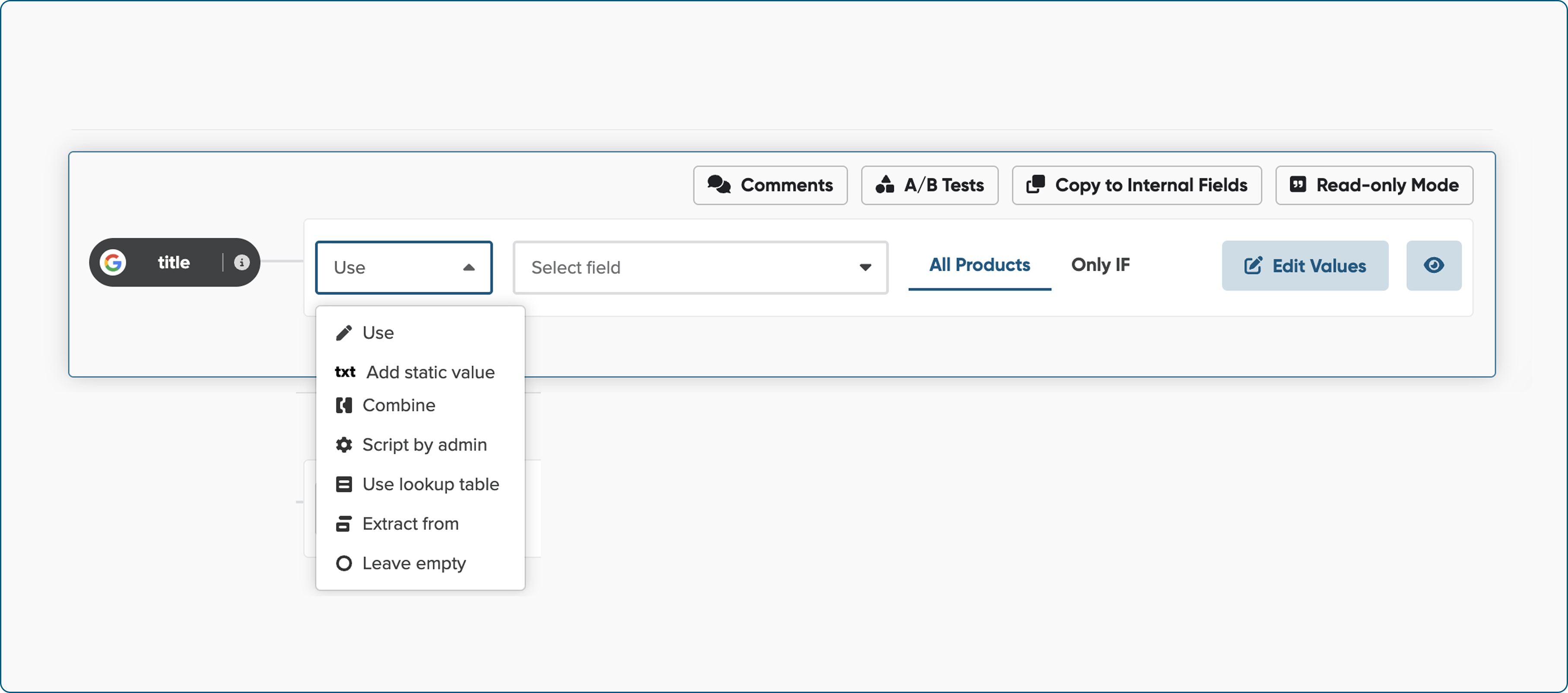
6. From the first drop-down menu, select the action you want our app to perform—these are called mapping types. To learn more about the available options, refer to the Mapping Types.
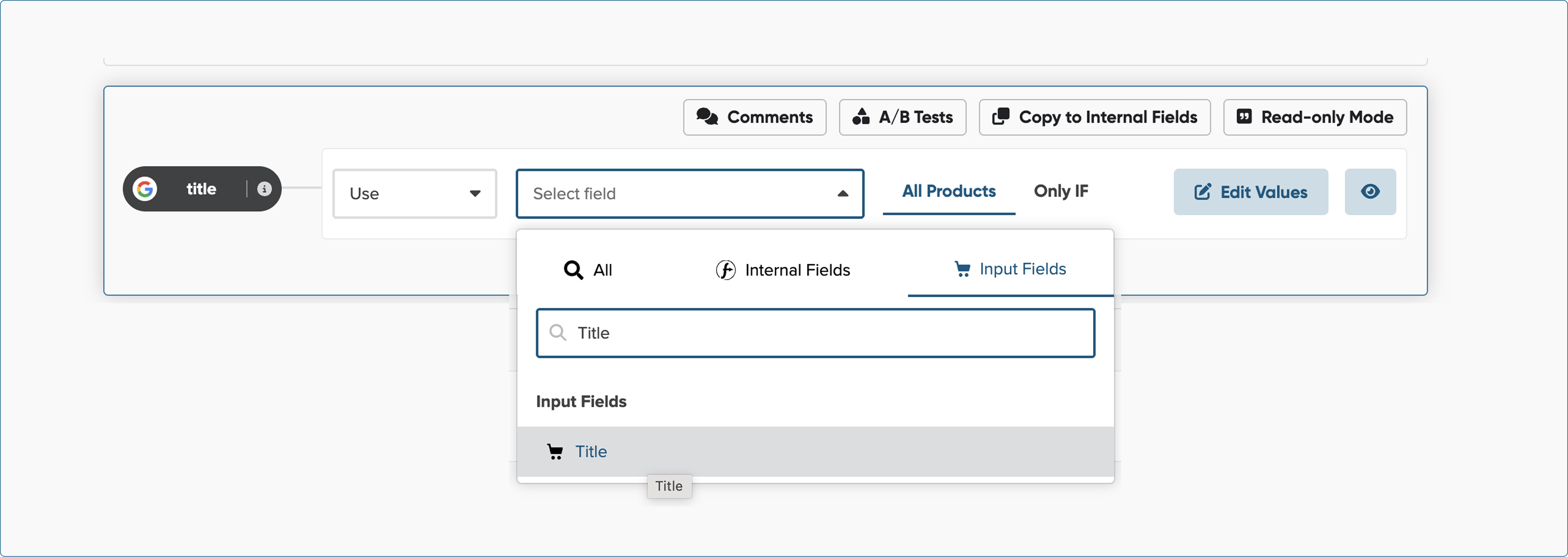
7. In the next drop-down, choose the fields from which you want us to retrieve data. These can be fields from your shop, your import file (input fields), or fields you've already configured in the Master Fields step.
8. Repeat the same steps for all required fields.
How to interpret the mapping rule?
Case: You selected Google Shopping as a channel and set up the following rule:
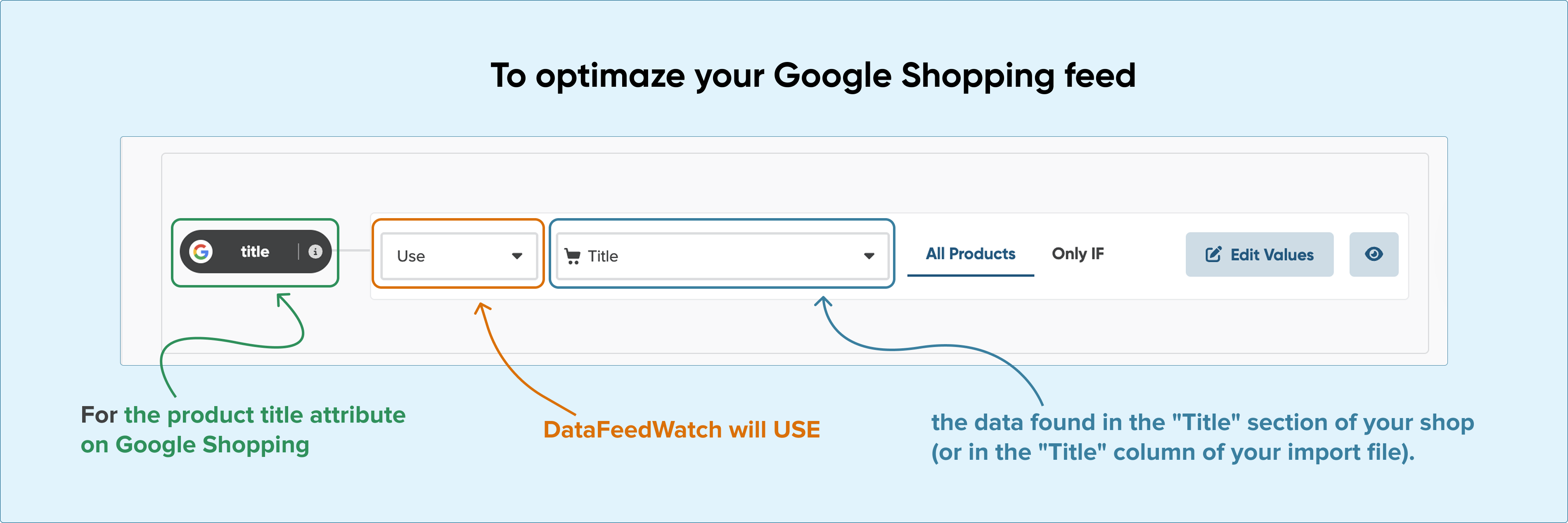
This means that, to optimize your Google Shopping feed, the data found in the "Title" section of your shop (or in the "Title" column of your import file) will be used for the product title attribute on Google Shopping.
You can check at any time what will appear in a given field, just click the preview icon.
To find out more, refer to our Mapping Preview help article.