
To add your Magento shop with Multiple Store Views, follow the steps below:
This procedure applies to Magento and later versions. You can keep the previous Magento (Legacy), or contact our support to upgrade it.
- Open the Packagist page to download the DataFeedWatch connector.
- To install the connector, scroll down to the README section and follow the instructions (or ask a developer to do this).
- Log in to your Magento Shop's Admin Panel.
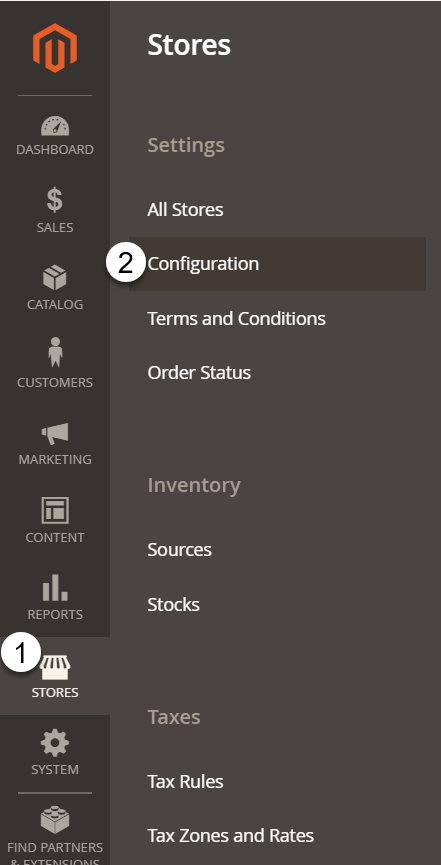
- Go to Stores > Configuration.
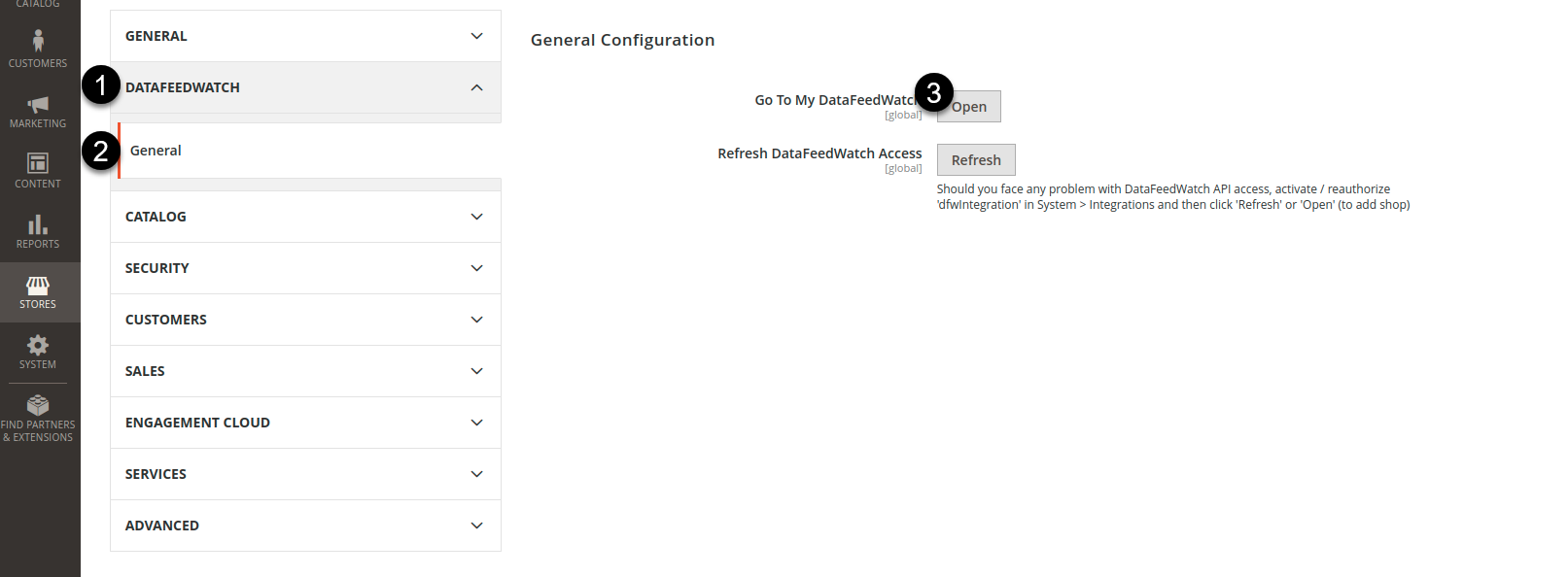
- Scroll down and click DataFeedWatch > General.
- Click Open next to the option Go To My DataFeedWatch.
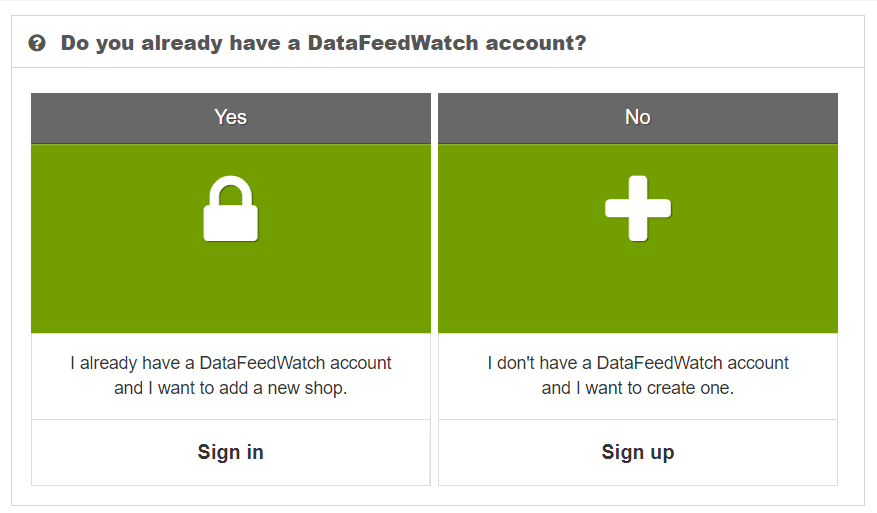
7. To log in to your DataFeedWatch Account, click Sign in.
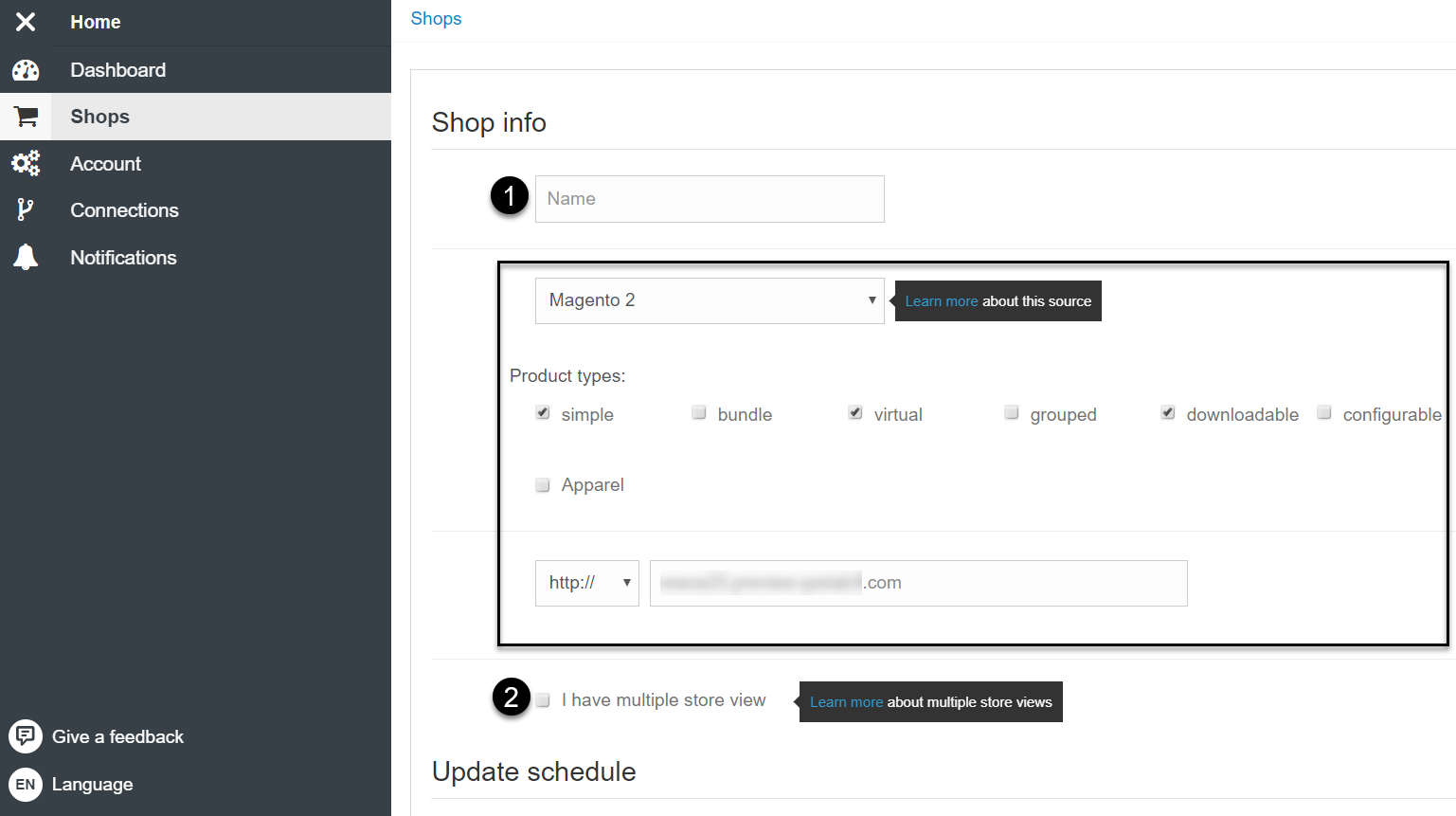
8. Provide a name for your new Magento Shop (URL and source type will already be included)
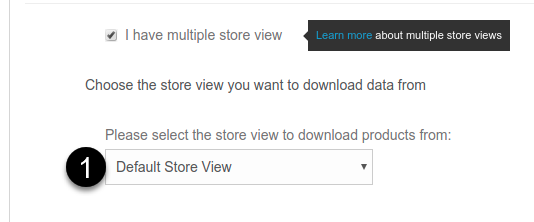
9. Select the option I have multiple store view
10. From the drop-down below, select the store view to download your products from.
11. Scroll down and click Create shop.
12. Wait for DataFeedWatch to download your products.
💡 You may find useful: