
To create a new channel:
-
Log in to your DataFeedWatch Account.
-
Navigate to Shops, and select the shop you want to add a channel to.
-
At the bottom of the page, click Add channel.
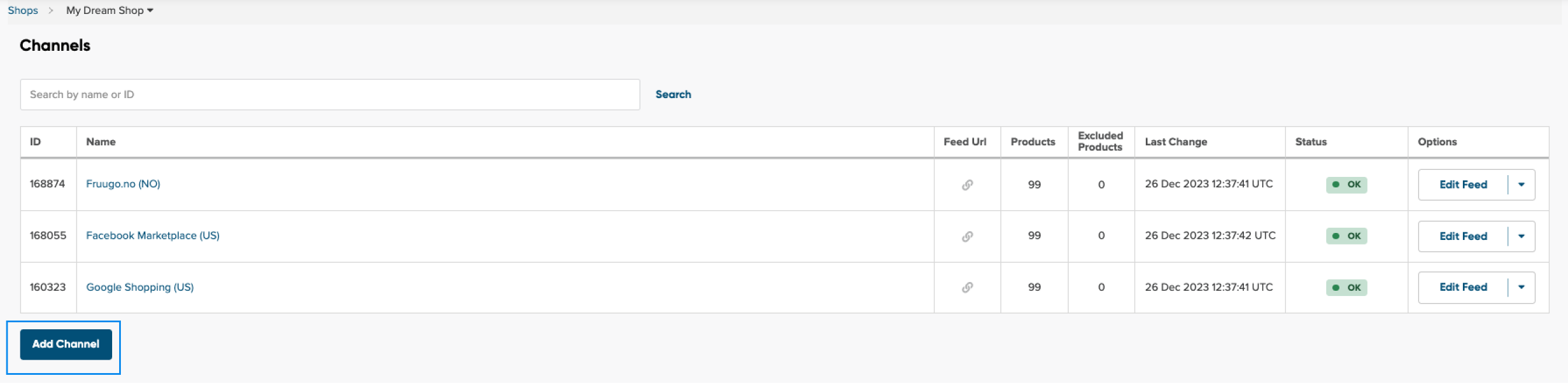
If you haven’t added a shop yet, refer to Adding a shop.
4. Select the country and channel (platform) that you want to advertise on.
5. Provide any details we ask for the given channel.
-
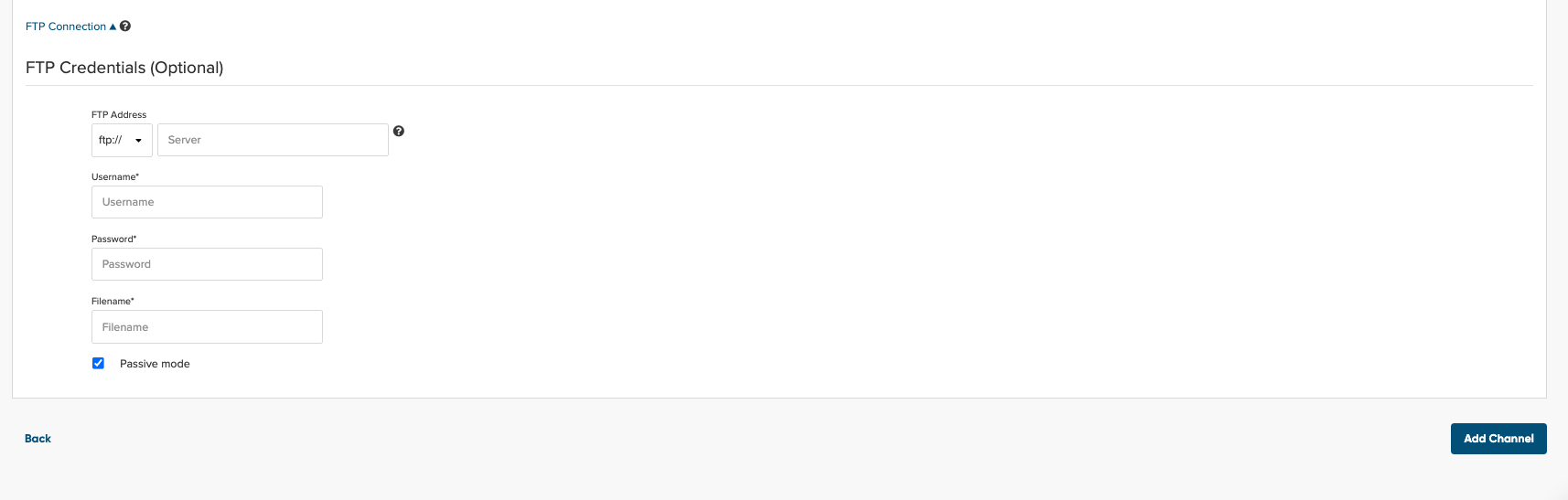
- If you want to add the channel via an SFTP connection, provide your credentials.
To learn more, check out the article Uploading Data Feeds to Google Shopping (FTP).
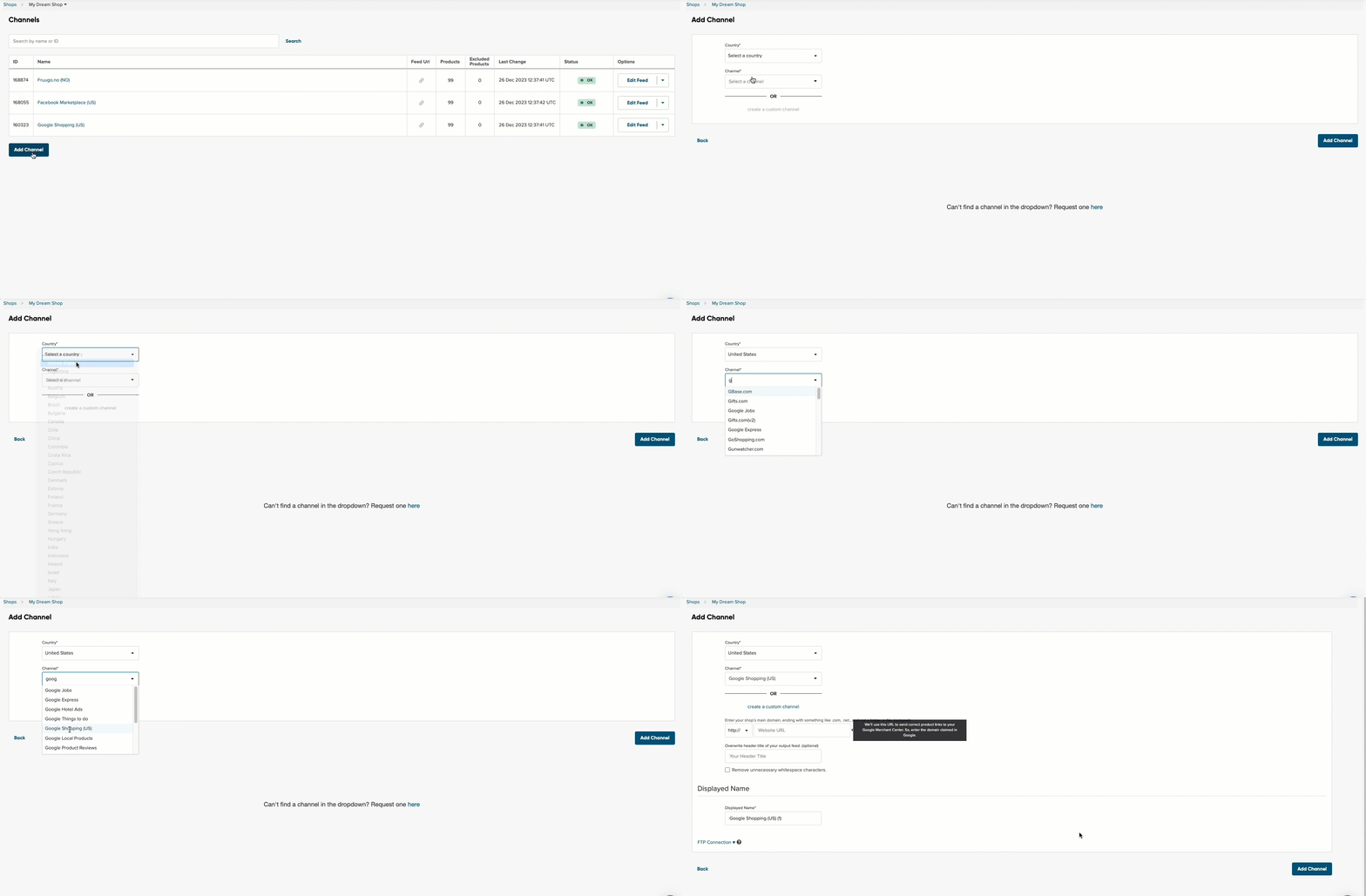
7. Click Add channel.
If you would like to create a custom channel, please refer to our article How to create a custom channel.
8. Follow the instructions in the app and map the attributes the selected channel requires.
9. Once you map your feed, click Save and Proceed.