
How to Create a Custom Master Field in DataFeedWatch
- Log in to DataFeedWatch.
- Go to Shops.
-
Select the shop for which you want to create the Master Field rule.
-
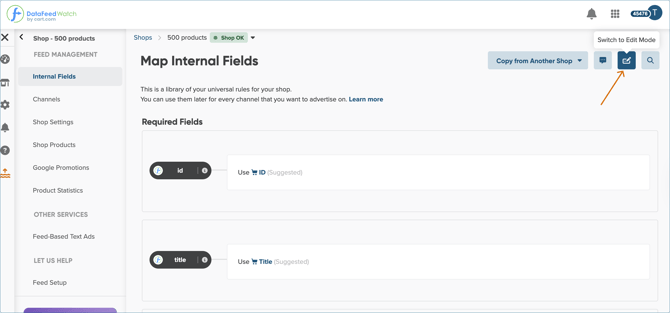
In the side navigation panel, click Master Fields.
-
In the top right corner, click the Switch to edit mode button.
6. Scroll to the bottom of the page and click Add Master Field.
7. Enter a name for your custom Master Field.
8. Choose one of the available mapping types (e.g., Use) according to your preferences.
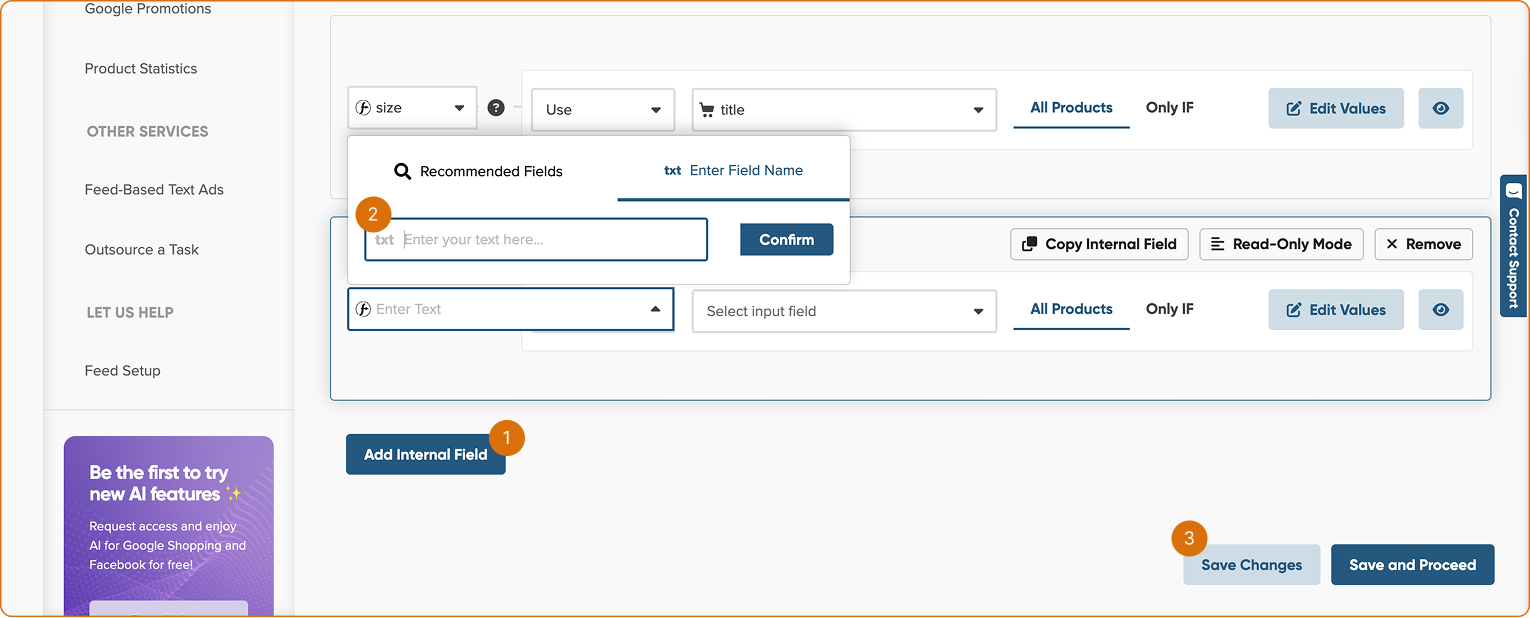
9. Click Save changes