
Marketplaces are where you create products and manage listings. Marketplaces are organized by country and marketplace platform.
To add marketplace:- Log in to your DataFeedWatch Account
- Click on your shop's name
- At the bottom of the page, click Add channel
- Select the country and Ebay Marketplace MIP
- Provide FTP credentials
- Leave the drop down as the default (sftp//:)
- Leave the first input field as the default (mip.ebay.com)
- Enter your Ebay username into the Username field
- Enter your Ebay FTP token into the Password field
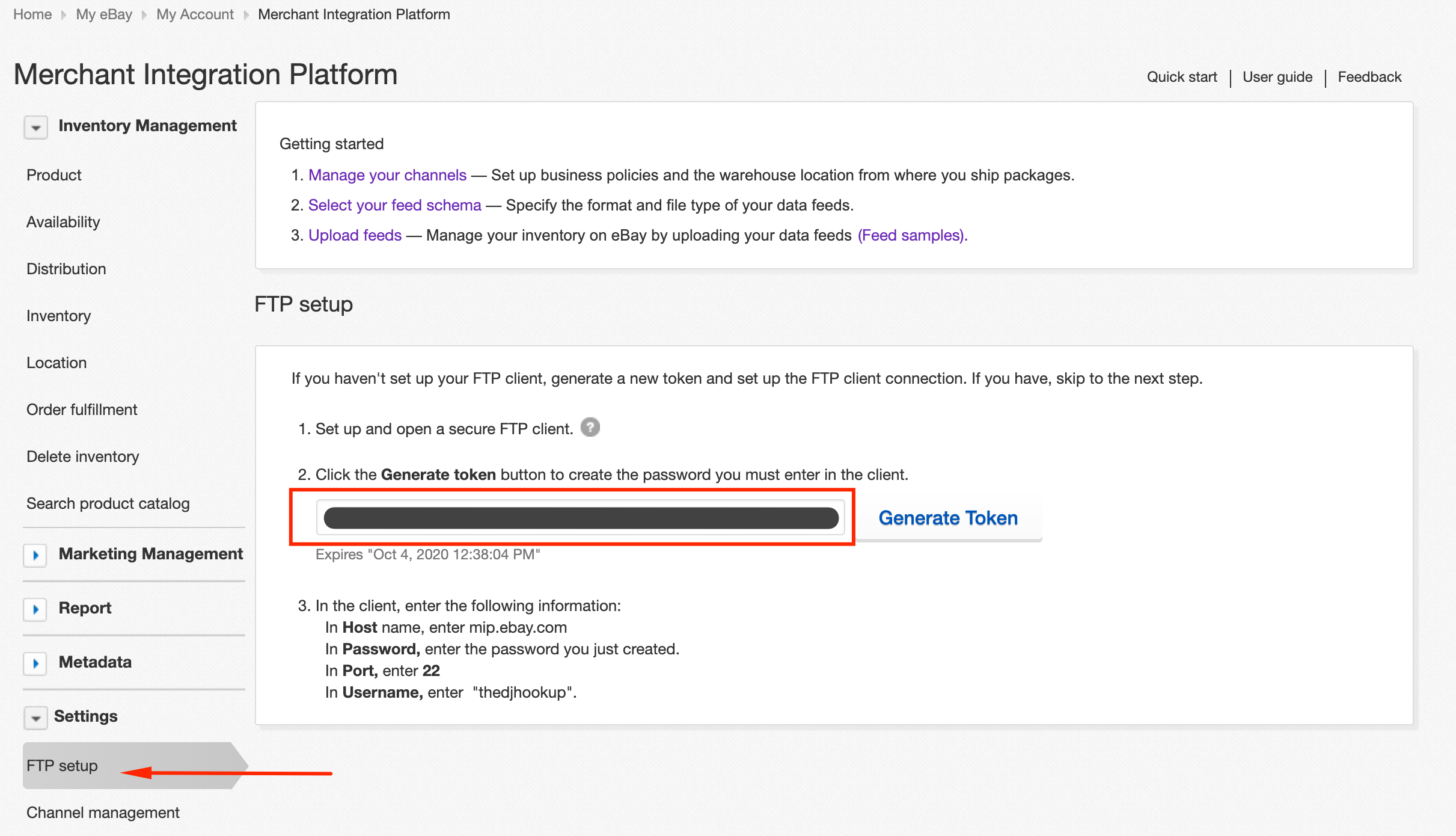
- Go to www.mip.ebay.com and login with your Ebay credentials
- Find the token on the Settings > FTP setup tab of your MIP dashboard
- Leave Passive mode checked inside of DataFeedWatch
- Click Add Channel to complete the setup