
- Log into your Google Merchant Account.
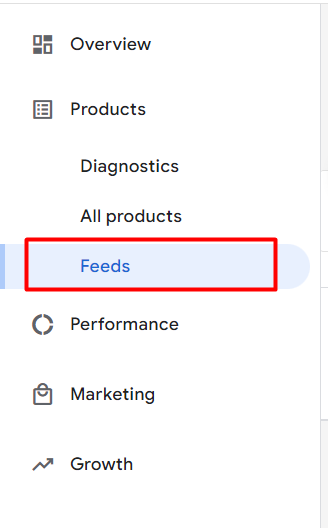
- Go to Feeds:
3. Click on the feed file you would like to check.
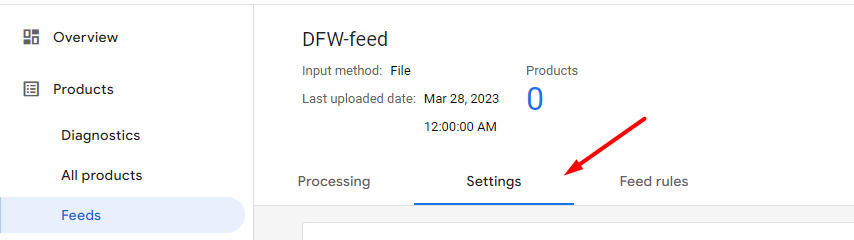
4. Go to the Settings tab.
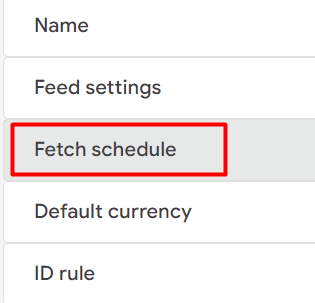
6. There you can find your feed File URL:

3. Click on the feed file you would like to check.
4. Go to the Settings tab.
6. There you can find your feed File URL: